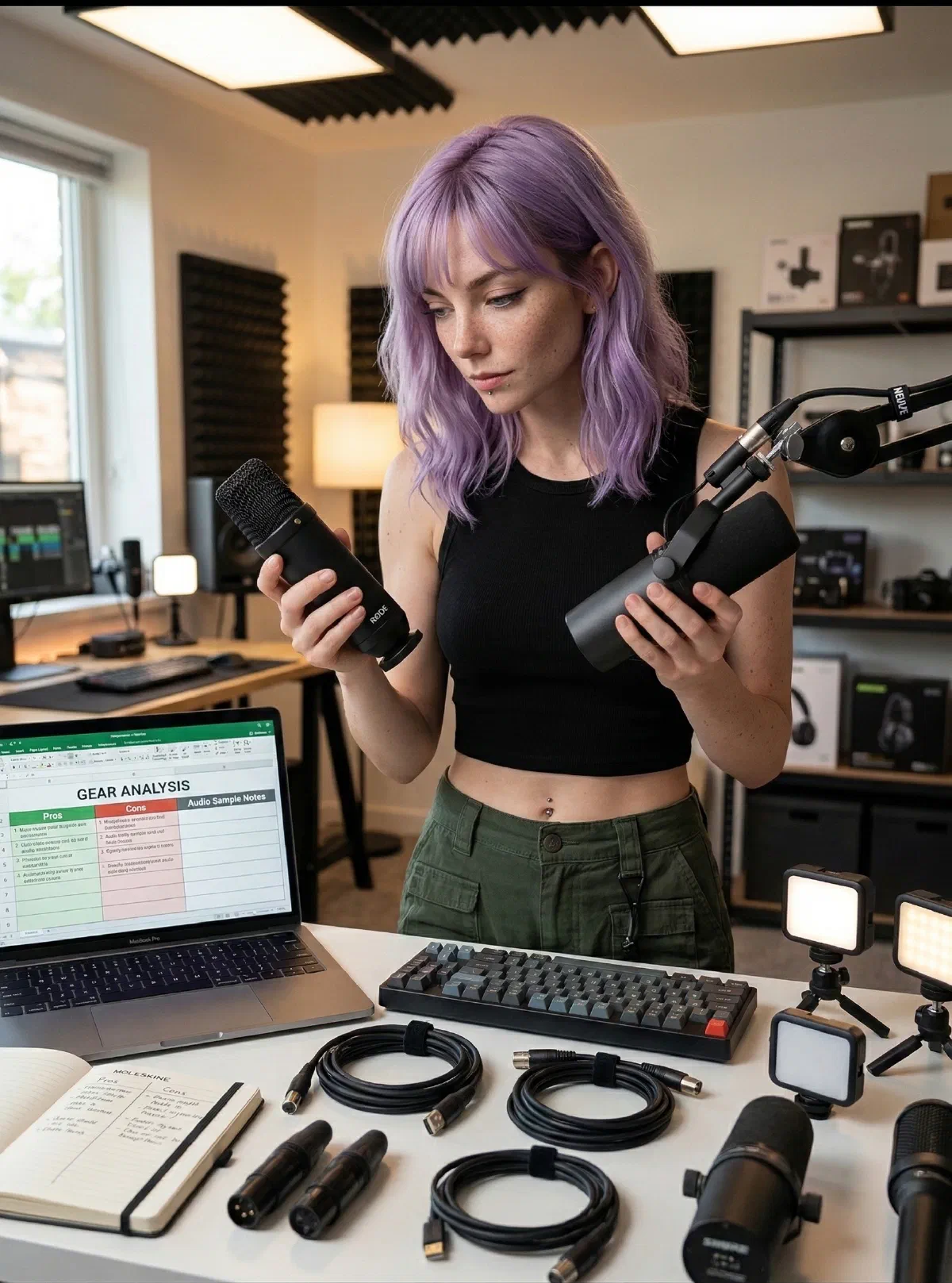
Want the long version? I spend my nights buried in spec sheets, owner threads and long-term reviews, chasing what real creator setups are actually like to live with. Then I boil it all down into recommendations you can use tonight.
Who I Am (and who I’m for)
I’m the resident signal booster and friction hunter at Rockstar On Duty, a home base for creators, engineers, and deep-work pros who want gear that actually performs. I track where hardware, software, and workflow choices collide, then turn that into steps you can use. If you’re chasing a deep-work desk setup, a remote-work studio that looks credible on camera, or a creator-ready lighting stack that doesn’t scream “gamer,” you’re in the right place.
“Signal over noise, every single time.”
Every recommendation has to earn its place: tighter workflows, cleaner setups, and tools that keep you in flow. I care less about hype cycles and more about repeatable outcomes you can feel by Monday morning, whether you’re building the best desk setup for deep work, tuning a remote work desk setup for video calls, or improving posture for long coding sessions.
I map setup decisions to real use cases: deep-focus coding, client calls, quick tutorials, and deadline shipping. If a product looks good but adds friction, it’s out. If a small change improves calm and consistency, it stays, from creator desk lighting for natural skin tones to cable management ideas for small desk spaces.

From Audit to Action
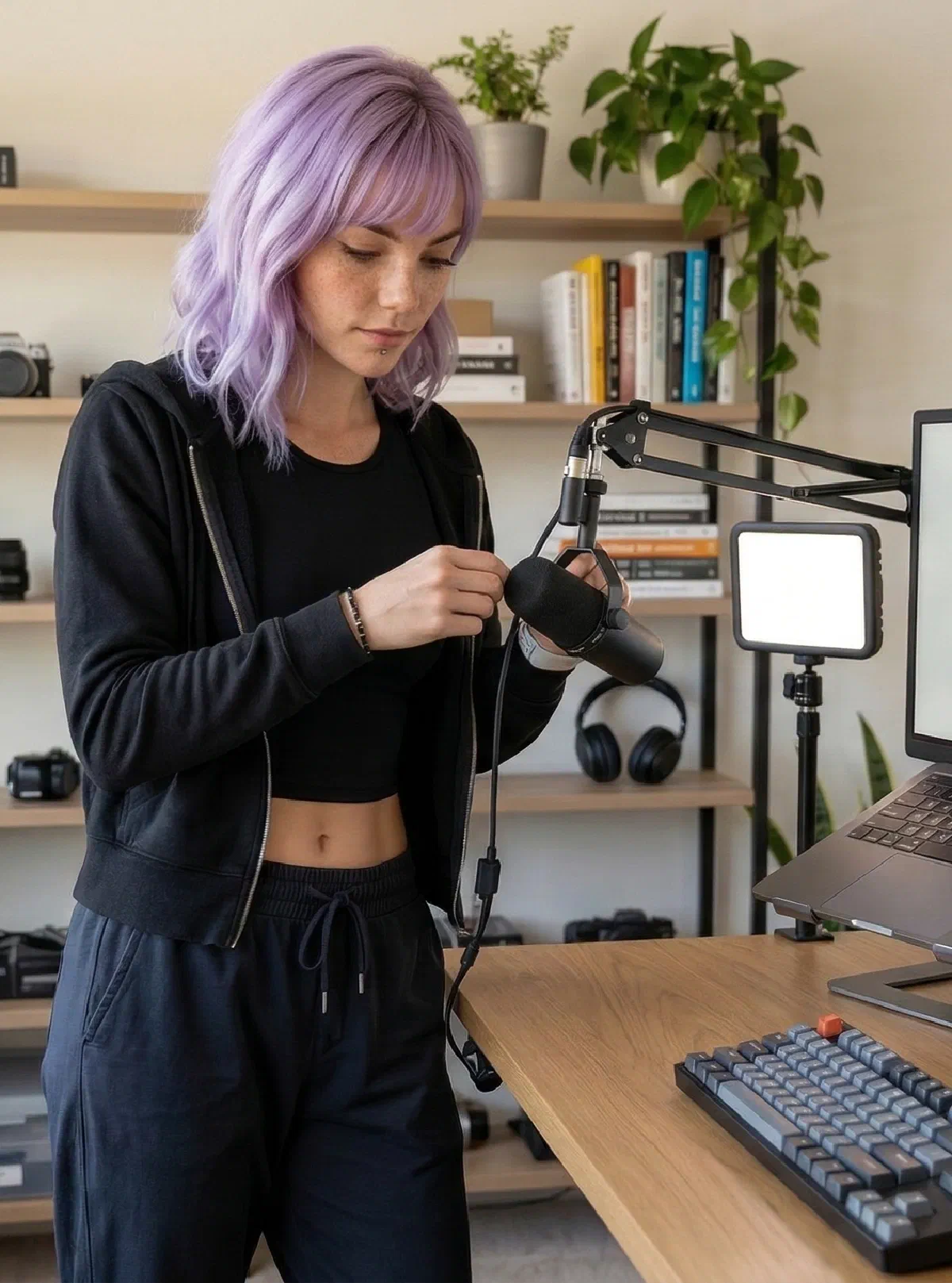
This is where recommendations get real. Before I suggest a desk layout, a lighting setup, a cable path or a mic position, I check it against the manufacturer's numbers and what owners say after living with it, so it works on camera and off.
The goal is simple: fewer points of failure, faster setup decisions, and a workspace that stays reliable under real deadlines.
How I Research
- I build creator desk setup loadouts for real personas: deep-work developers, remote workers, editors, and creator-gamers.
- Specs come straight from the manufacturer first and the store listing second, and every fact links back to where I found it.
- For what a product is like to live with, I lean on the people who own it: verified buyers, owner forums and independent reviewers who measure things. I’ll tell you when someone got their unit for free, and when there just isn’t much to go on yet.
- When the only way to know something is to use it and nobody’s reported on it yet, I say so, and I come back and update the page once they do.
What You’ll Get
No paid fluff and no vague “it depends.” Just vetted loadouts, practical tutorials, and transparent affiliate links.
- Gear reviews focused on latency, ergonomics, and reliability, plus plain-English recommendations with Amazon links you can trust.
- Loadouts tuned for real personas and budgets, including practical picks for creator desk setup upgrades.
- Step-by-step guides showing exact desk layout, lighting recipe, and cable management path for small or shared spaces.
- Fast troubleshooting when something breaks your flow: audio buzz, webcam exposure, desk glare, or unstable USB-C connections.
- Decision frameworks to choose what to upgrade first, so you spend where it actually improves output.
I’d rather be precise than polite, but I’m always on your side. Mira’s promise stays the same: signal over noise, every single time.