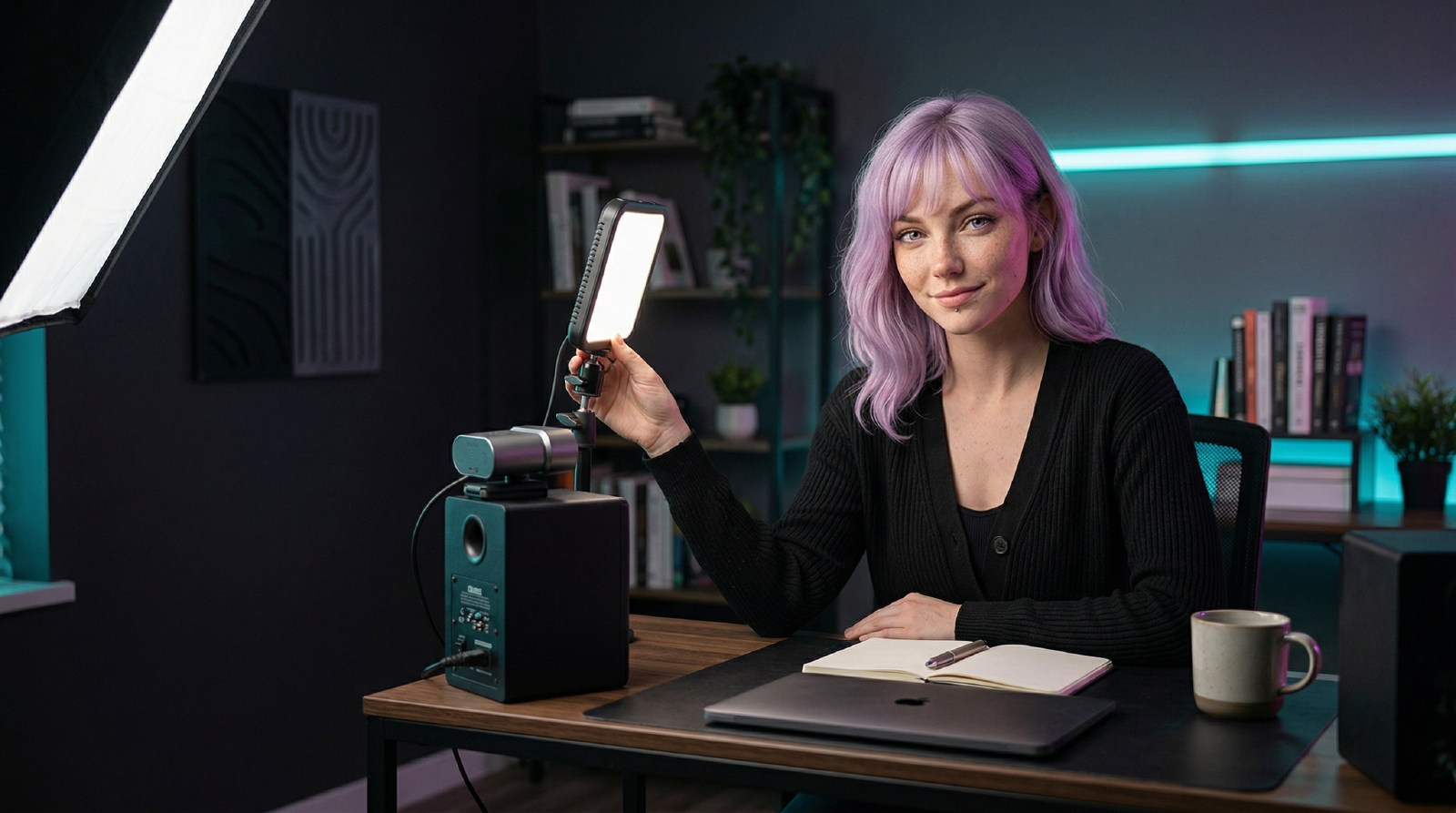
Soft, off-axis, and dimmable:
- Light Amaran MC at 20-35%. Tiny footprint, strong color accuracy, and enough output for a desk-to-face Zoom setup.
- Placement 45 degrees off to your dominant side, slightly above eye line. Tilt toward your chest for softer falloff.
- Controls Stick to CCT mode around 4500K-5000K for calls. RGB effects are fun, but neutral white is what makes you look human.
- Mounting Use the built-in magnets or a small stand so the light stays off-axis instead of blasting you head-on.
- Charging USB-C PD and wireless charging make it easy to keep topped off between calls.
You get even skin tone, no raccoon shadows, and a light that doesn’t scorch your retinas.
Related Guides
- How to Look Better on Zoom Without Buying a New Camera
Fix bad Zoom video fast with better lighting, framing, webcam settings, and background choices before you buy a new camera.
Related Reviews
- Aputure Amaran MC RGBWW Mini Light
A tiny magnetic RGBWW light that earns its keep when you need fast accent lighting, flexible color, and app control without hauling a full lighting kit.
Related Loadouts
- Remote Room Ready
Look and sound credible on every call while keeping your desk compact.
Related Comparisons
- Best Key Lights for Zoom, Streams, and YouTube (2026)
A practical key-light shortlist for creators and remote workers who need better video without blinding desk setups.
Related Posts
- Best Gear for Creators: A Practical Kit for Video, Audio, Editing, and Focus
A workflow-first gear list for creators who need better video, cleaner audio, stable editing storage, and a desk setup that does not slow the work down.
Referenced In Guides
- Makeup for Zoom: Fix the Light First, Then the Color
Makeup washes out on a webcam for reasons that start with the room. Fix the light and camera first, then add color where video callers say it survives.
- Creator Gear Setup Order: What to Upgrade First
A practical upgrade order for creators: fix audio, light, stability, storage, editing, and repeatability before building a full studio.
