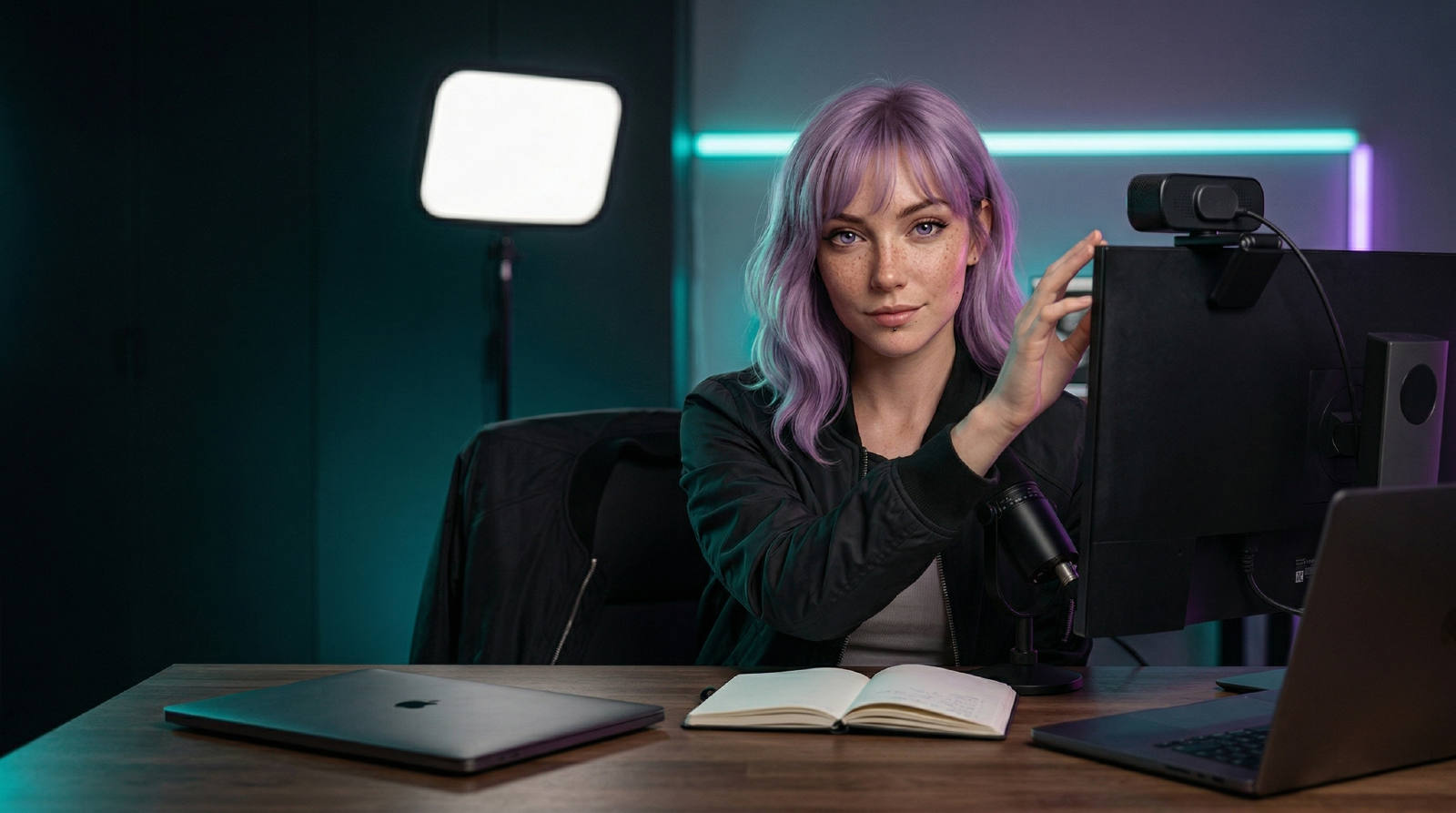
Use your phone until the phone is the bottleneck.
- Stay with the phone if you make short-form clips, casual vlogs, quick product shots, or mobile-first content where speed matters more than polish.
- Buy a camera when focus hunts, battery life fails, storage fills, overheating stops takes, or you need the same framing every week.
- Fix light first if the image looks muddy. A phone with good light often beats a dedicated camera under bad overhead bulbs.
- Fix audio first if you talk on camera. Viewers forgive phone video faster than distant, harsh sound.
- Add stability before lenses. A phone on a real mount looks more intentional than a better camera wobbling on a stack of books.
The upgrade is worth it when it removes production friction, not when it makes the desk look more professional.
If you mostly record at a desk, a good webcam may be the middle lane. If you film talking-head videos, product demos, or YouTube reviews, a compact camera like the Sony ZV-1F makes more sense.
For the whole buying order, start with Best Gear for Creators and then use Creator Gear Setup Order to decide what comes next.
Sony ZV-1F Amazon ↗ Insta360 Link 2 Pro Amazon ↗
Related Guides
- Creator Gear Setup Order: What to Upgrade First
A practical upgrade order for creators: fix audio, light, stability, storage, editing, and repeatability before building a full studio.
Related Reviews
- Sony ZV-1F
A compact, autofocus-reliable camera for creators who've outgrown their phone but don't want a mirrorless system.
- Insta360 Link 2 Pro
A premium 4K PTZ webcam for creators and presenters who want stronger low-light performance, tracking, and more control than a fixed desk camera usually offers.
Related Comparisons
- Best Webcams for Remote Work and YouTube (2026)
A practical webcam shortlist for meetings and creator workflows, with tradeoffs that matter more than headline resolution.
Related Posts
- Best Gear for Creators: A Practical Kit for Video, Audio, Editing, and Focus
A workflow-first gear list for creators who need better video, cleaner audio, stable editing storage, and a desk setup that does not slow the work down.
Referenced In Comparisons
- Best Tripods and Desk Mounts for Creators (2026)
A practical guide to choosing tripods, desk mounts, clamps, arms, and gimbals for creator setups that need stable framing without desk chaos.
