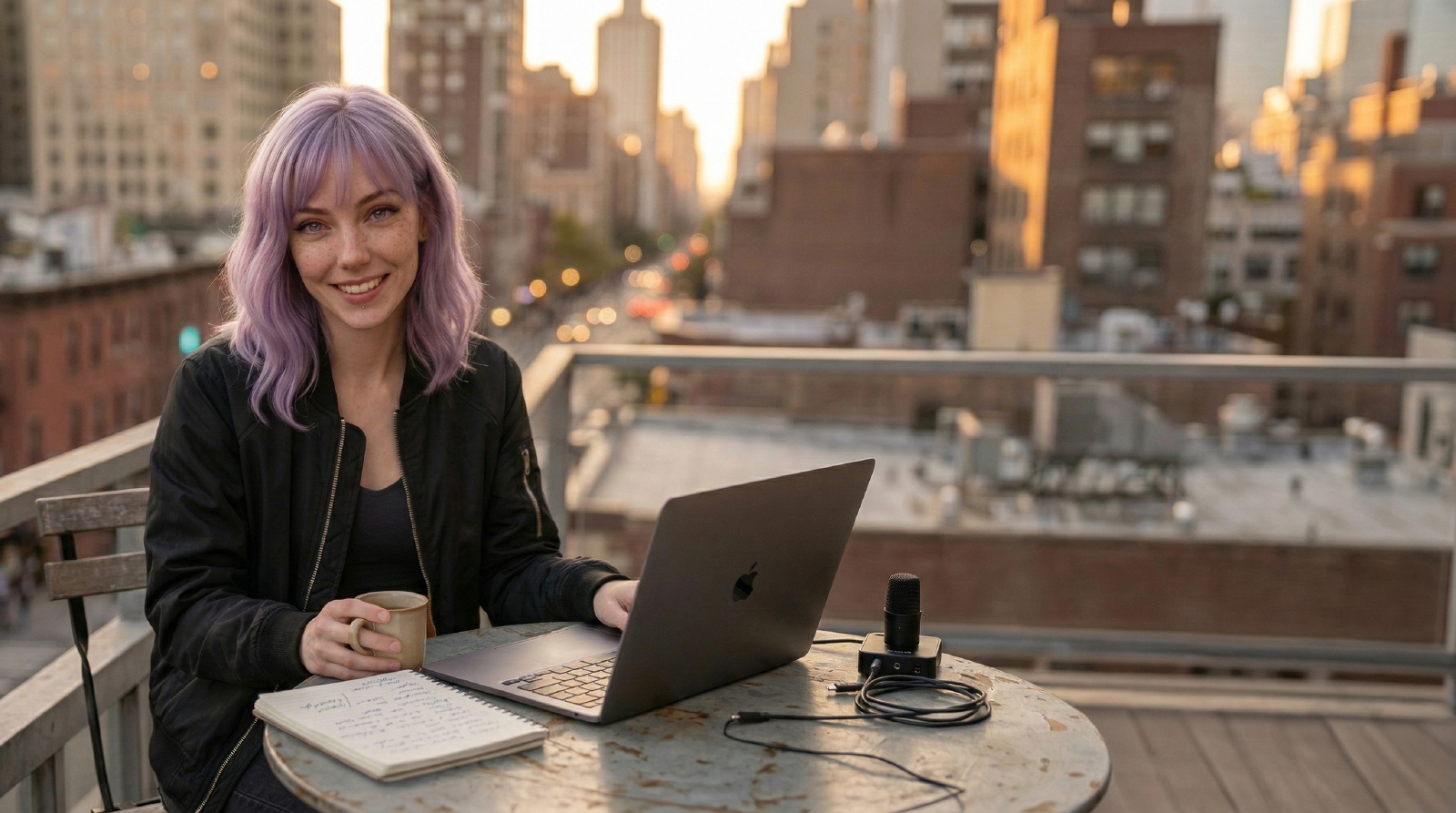
Question My laptop cam looks mushy on Twitch. I don’t want a DSLR and capture card. What’s the smartest upgrade?
Mira Skip generic 1080p cams. Go 4K sensor + good glass + lighting:
- Cam Insta360 Link 2 Pro or Logitech Brio 4K. Bigger sensor, better autofocus, legit HDR.
- Mount Put it center-line with your eyes. No “nose cam” angles.
- Lighting Key light at 45° with a soft diffuser. Brightness beats ISO noise.
- Settings 4K capture downscaled to 1080p in OBS for cleaner edges. Lock exposure/white balance so colors don’t drift.
- Audio Pair with a dynamic USB mic to keep fan noise out.
Affiliate disclosure: Amazon links help keep this site running. Purchases may earn a small commission at no extra cost to you.
You get sharper edges, stable skin tone, and no fussy capture card.
If the image still looks weak after that, the next fix is usually lighting or angle, not another camera jump. A good webcam with a stable key light beats a premium webcam in a bad room almost every time.
Related Guides
- How to Look Better on Zoom Without Buying a New Camera
Fix bad Zoom video fast with better lighting, framing, webcam settings, and background choices before you buy a new camera.
Related Reviews
- Logitech Brio 4K
A dependable 4K webcam for remote workers, presenters, and telehealth setups that need strong exposure handling without turning the desk into a camera project.
- Insta360 Link 2 Pro
A premium 4K PTZ webcam for creators and presenters who want stronger low-light performance, tracking, and more control than a fixed desk camera usually offers.
- Elgato Facecam MK.2
A strong fixed-shot webcam for streamers and creators who already have decent lighting and want cleaner control than the average monitor-top camera offers.
Related Comparisons
- Best Webcams for Remote Work and YouTube (2026)
A practical webcam shortlist for meetings and creator workflows, with tradeoffs that matter more than headline resolution.
- Best Key Lights for Zoom, Streams, and YouTube (2026)
A practical key-light shortlist for creators and remote workers who need better video without blinding desk setups.
Referenced In Reviews
- OBSBOT Tail Air
A compact 4K PTZ camera for creators who need tracking, remote control, and more flexible streaming angles than a standard desk webcam can offer.
- Razer Kiyo V2
A creator-friendly webcam that leans into low-light cleanup, auto-framing, and a wider-angle view for desks that are not perfectly lit.
