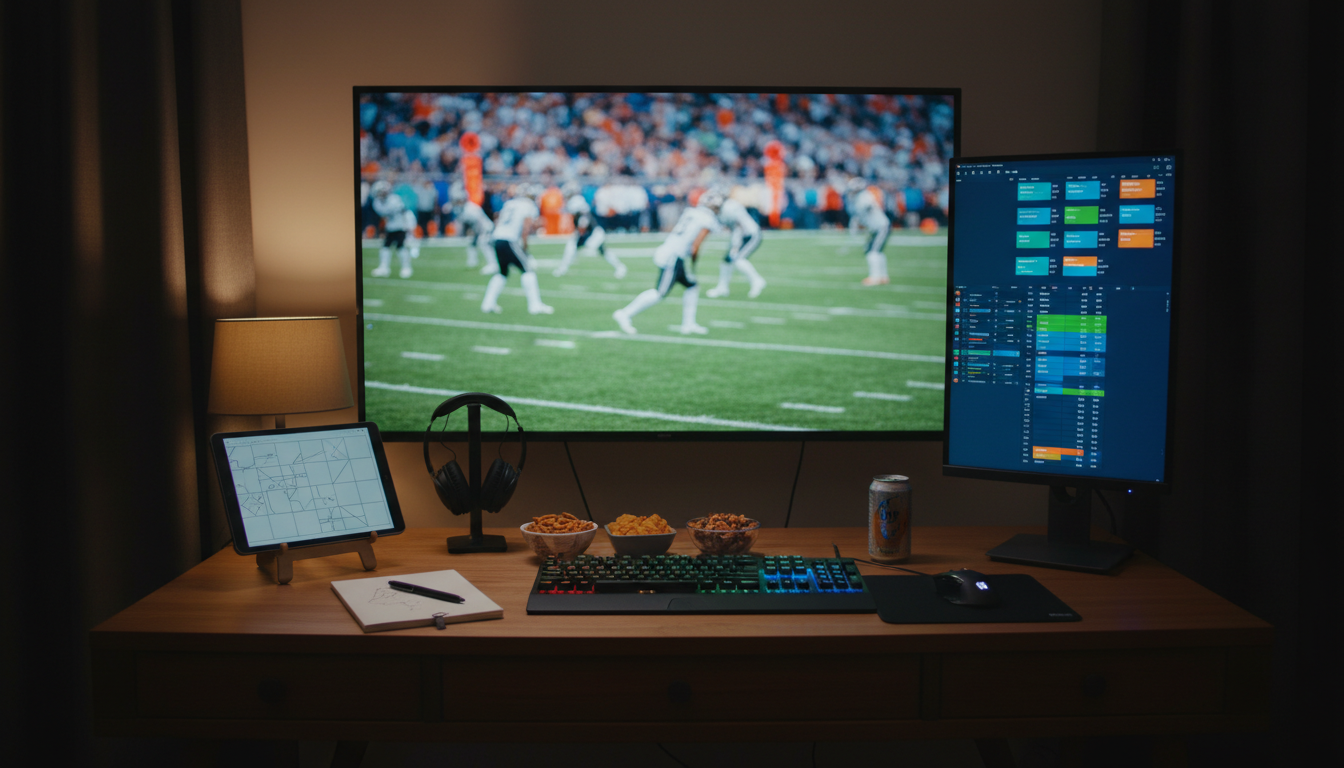
Fantasy football is the sport behind the sport, and it doesn’t fit on the same screen as the broadcast. You need stat lists, ticker news, league chats, lineup-decision calculators, and live scoring — all of which want a separate display from the TV feed of the actual games.
The right second-screen setup turns a one-monitor home office into a Sunday command center.
This is the fantasy football second-screen shortlist, sorted by use case.
Vertical for stat lists — Dell P2425H#

Dell P2425H 24" IPS Monitor
Adjustable 24-inch 1920x1080 IPS side monitor that works well in landscape or portrait.
A 24-inch 1080p IPS rotated 90 degrees is the cleanest fantasy second screen — portrait orientation fits long stat lists, the depth chart, fantasy ticker news, and player notes without cropping or constant horizontal scrolling. The adjustable stand pivots without disconnecting cables, so you can flip back to landscape for weeknight league chats.
Best for: ESPN Fantasy live scoring, Yahoo player news ticker, FantasyPros tools, league chat or Discord open all day.
Multi-broadcast ultrawide — LG 38WR85QC-W#

LG 38WR85QC-W 38-inch Curved UltraWide Monitor
38-inch curved ultrawide with USB-C, high refresh, and enough canvas for timelines, dashboards, and multi-pane workflows.
A 38-inch curved ultrawide gives you the screen real estate to run multiple game broadcasts side-by-side with a fantasy dashboard pinned in a corner. The curve keeps the corners in your peripheral vision so you can watch four games at once without losing track of any.
Best for: NFL RedZone plus three NFL game windows plus ESPN Fantasy at the same time, or the multi-game playoff Saturday.
Sharper second screen — LG 27UP650K-W#

LG 27UP650K-W 27-inch Ultrafine 4K UHD Monitor
27-inch 4K IPS monitor with HDR 400, ergonomic stand adjustments, and solid all-around desk-work clarity.
A 27-inch 4K IPS is the right pick if you’re not committing to vertical. The 4K resolution lets you run a fantasy dashboard at half the screen and a game broadcast at the other half without either feeling cramped — text stays sharp at the smaller window size.
Useful for fans who already have a vertical display and want a third screen for the broadcast itself, or for fans who don’t want to commit to portrait orientation.
Tablet as a second screen — Lamicall Gooseneck#

Lamicall Gooseneck Tablet Holder
Clamp-on tablet arm for keeping scores, chat, or notes at eye level.
A desk-clamp gooseneck holds an iPad at any angle without occupying primary monitor space. Tilts and pivots cleanly between portrait for the ESPN Fantasy app and landscape for the NFL Game Center.
Best for fans who already have an iPad and don’t want to spend on a third monitor — the tablet arm is the cheapest path to a second screen.
Monitor arm to position it — Ergotron LX#

Ergotron LX Monitor Arm
Flexible monitor arm that frees desk depth and tunes screen height.
The Ergotron LX is the standard for getting a second monitor off the desk surface and into the right position. Counterbalanced, full range of motion, holds the second screen at eye level next to or above the primary display so neither feels secondary.
Best for fans who already have a monitor and want to mount it efficiently — the arm is what turns “I have a vertical monitor” into “my fantasy setup actually works.”
Quick decision matrix#
| Use case | Pick |
|---|---|
| Live scoring and stat lists | Dell P2425H (vertical) |
| Multiple games at once | LG 38WR85QC-W ultrawide |
| Sharper second screen, no portrait | LG 27UP650K-W |
| Use the iPad you already own | Lamicall gooseneck |
| Mount and position a monitor | Ergotron LX |
The minimum viable fantasy setup#
If you want one upgrade that does everything, it’s the Dell P2425H plus an Ergotron LX. Vertical orientation handles fantasy stat lists, the arm gets it positioned next to the primary display, and the combination costs less than a single ultrawide.
Final read#
Most fantasy football fans don’t need a multi-thousand-dollar setup — they need one well-placed second screen. Pick the one that fits your league’s intensity. The vertical-monitor-plus-arm combo is the standard. The ultrawide is the upgrade for fans running multiple leagues or watching multi-game.
For the rest of the desk loadout — broadcast monitor, audio, lighting, cable management — see the best game-day desk setup for football fans. For the audio side of football fan-dom, best headphones for watching football covers ANC for late games and open-ears for shared rooms.
