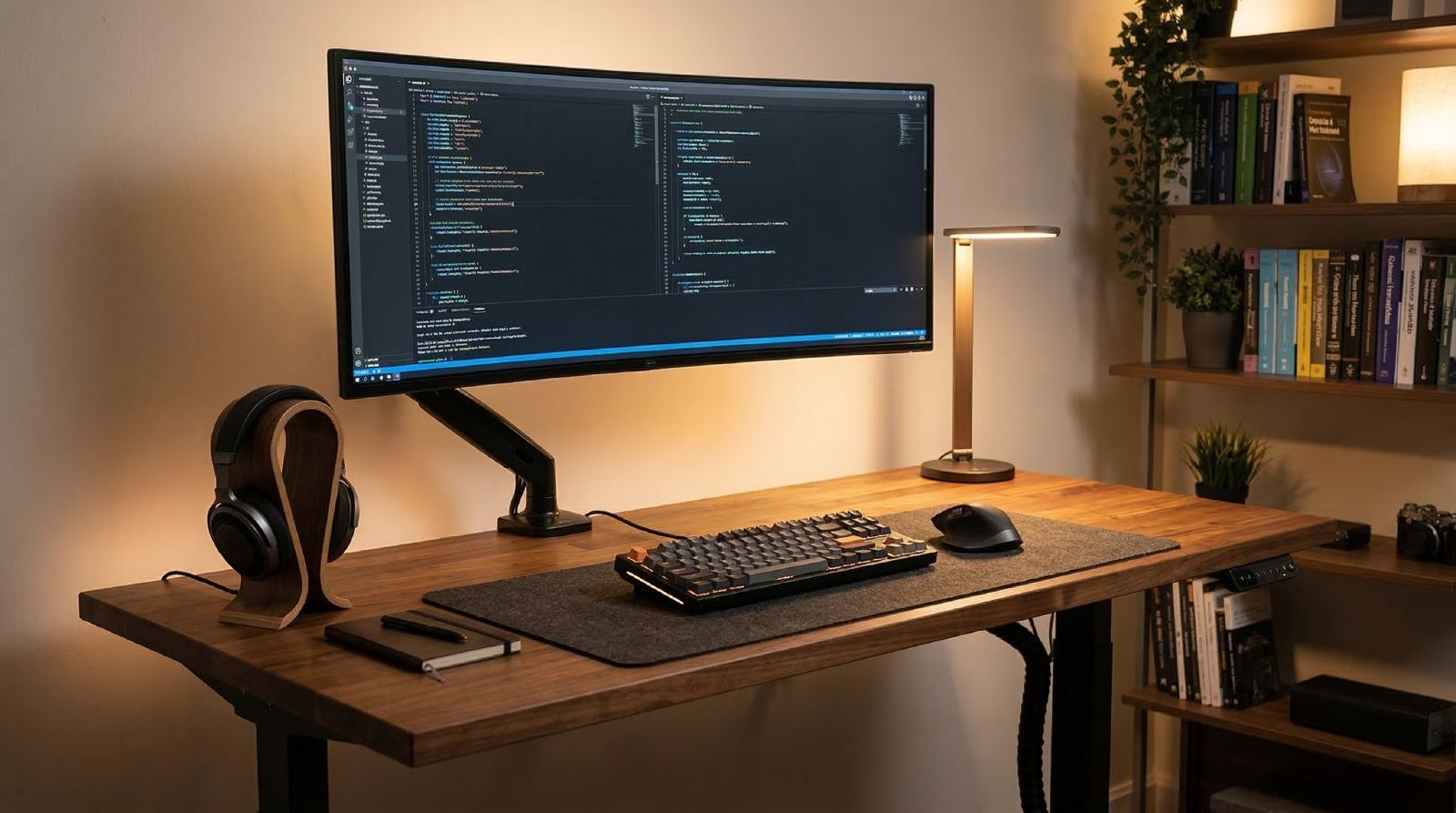
The best standing desk for deep work is the one that stays stable with your real setup, gives you clean cable routing, and does not turn every posture change into a reset ritual. Most people do not need the most expensive frame. They need a desk that handles one or two monitors, a laptop dock, and daily sit-stand transitions without wobble or cable chaos.
If you are pairing this upgrade with a full workstation reset, start with the endurance desk build and the Cable Sleeve Kit review so the desk change does not create a mess you have to solve later.
Quick Picks That Cover Most Workflows#
- Veken 55 Inch Large Electric Standing Desk Amazon ↗ Best budget-first pick when you want memory presets, enough width for a normal dual-device setup, and a lower entry price. The tradeoff is the two-piece top and a less polished accessory ecosystem. Read the Veken review.
- UPLIFTDESK V3 2-Leg Standing Desk Amazon ↗ Best premium pick when stability, cable routing, and long-term fit matter more than saving a few hundred dollars. It costs more, but it is easier to build around over time. Read the UPLIFTDESK V3 review.
- FlexiSpot E6 Bamboo Standing Desk Amazon ↗ Best bamboo-top Amazon option when you like the Jarvis idea but want a one-piece bamboo surface and a simpler purchase path. Read the FlexiSpot E6 Bamboo review.
- Branch Standing Desk: Best for simple first-time upgrades when you want clean aesthetics and low decision overhead.
(Amazon links may earn me a commission at no extra cost to you.)
The Jarvis Question#
If you searched for a standing desk recently, there is a good chance the Jarvis by Fully came up. It is one of the most commonly searched standing desks, and for good reason: solid stability, a wide height range, and a bamboo desktop finish that looks more like furniture than office equipment. It is a genuinely good desk.
The problem is that it is not on Amazon. If you want Prime shipping, simplified returns, or a purchase that consolidates into your existing order history, the Jarvis is not available that way.
That is why this guide focuses on desks like the Veken, UPLIFT, and FlexiSpot E6 Bamboo. They cover the same broad use cases — stable frames, memory presets, electric lift — but with Amazon availability. If you have already decided you want the Jarvis specifically, read the full Jarvis review. If you are still deciding, the picks below cover the same buyer needs with a more straightforward purchase path.
Who Should Buy Which#
If you are building your first serious remote-work desk, the Veken is the easiest way to get memory presets and decent day-to-day ergonomics without blowing the whole budget on the frame.
If you already know you want a monitor arm, cable tray, and heavier gear on top, the UPLIFT is the better long-term play. It has less of the “good enough for now” ceiling that cheaper desks hit once the setup gets heavier.
If you want something between those two poles and care specifically about a bamboo top, the FlexiSpot E6 is where the math gets interesting. It usually makes the most sense when you want a warmer one-piece surface without giving up Amazon ordering.
What Matters More Than the Spec Sheet#
- Frame stability matters more than max lift speed.
- Desktop depth matters more than width if you run external monitors.
- Memory presets matter because consistency is what gets you to actually change positions.
- Cable routing matters because loose power bricks and hanging USB cables make standing mode annoying fast.
That last point is where a lot of “standing desks are overrated” complaints really come from. The desk itself is fine. The workflow around it is not. If you need a practical cable plan, read cable management for gear swaps before you assemble anything.
Best For Common Setups#
Best for a first home-office upgrade#
Choose the Veken if you want the biggest improvement per dollar and your setup is a laptop, one monitor, and normal accessories.
Best for multi-monitor deep work#
Choose the UPLIFT if you are adding a heavier monitor arm, larger displays, or a permanent creator setup that will stay on the desk for years.
Best for compact desks and shared rooms#
Choose a modest desktop depth and keep expectations realistic. Even a great frame feels cramped if the monitor distance is wrong. If your space is tight, pair this guide with laptop stands for tall people and desk shelf systems.
Common Mistakes#
- Buying for finish and accessories before checking frame stability.
- Choosing a desktop that is too shallow for the monitor distance you actually need.
- Adding a monitor arm without accounting for the extra wobble it can expose.
- Ignoring cable slack, then fighting the desk every time it moves.
