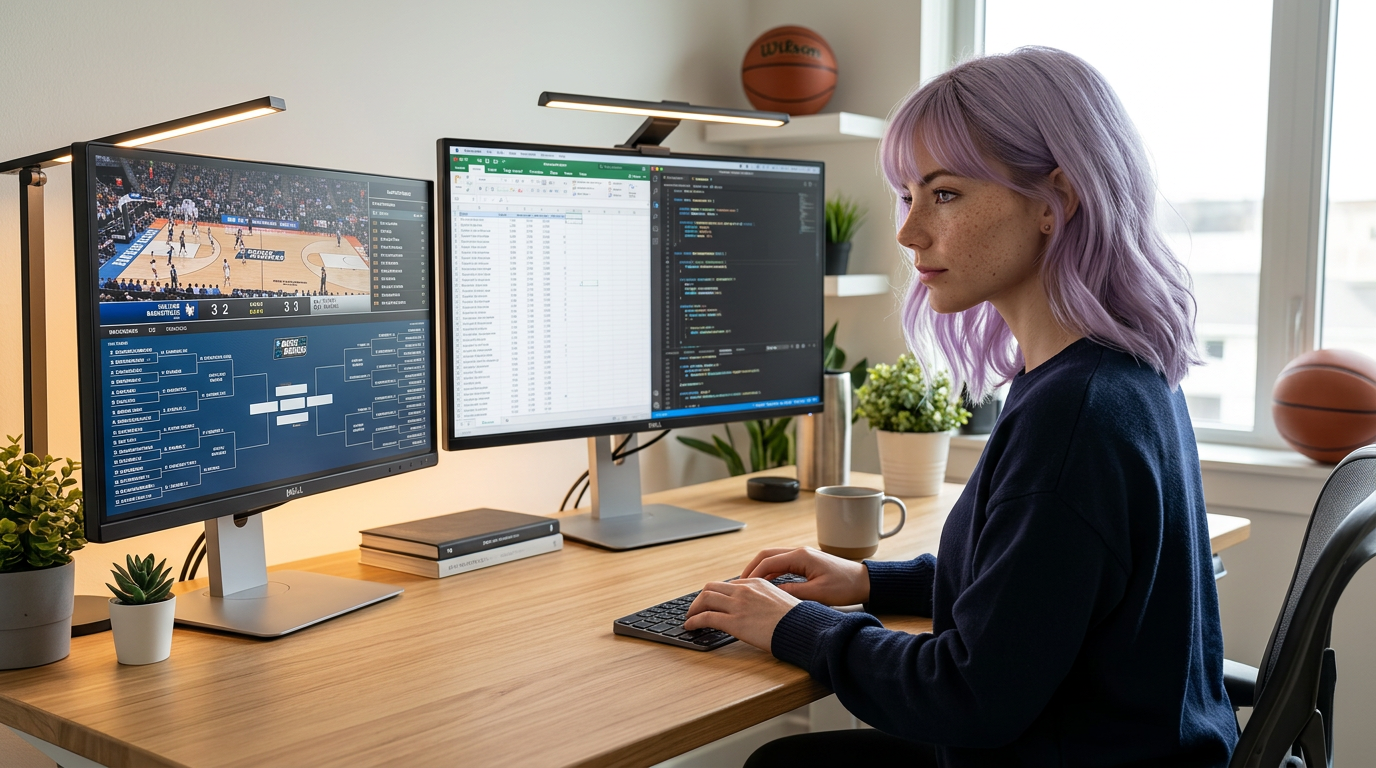
This URL started as a predictions page. It now serves the higher-value intent I actually care about: keeping output stable during high-noise event weeks.
See also: Need the basics first? Read What Is March Madness? And How to Watch on Your Computer Without Killing Focus.
If you need basics first, start here: What Is March Madness?
Why this matters#
During tournament weeks, people lose hours to passive watching and fragmented attention. A repeatable viewing workflow gives you signal without wrecking your calendar.
Your 3-lane model#
Lane 1: Focus lane#
- Primary work tasks only.
- No live stream visible.
Lane 2: Watch lane#
- Secondary display/window for game feed.
- Only active during planned break windows.
Lane 3: Social lane#
- Group chat and reactions in short bursts.
- Mute outside planned windows.
Practical setup steps#
- Define two or three watch windows for the day.
- Keep stream + scoreboard in one dedicated workspace.
- Use captions when you need quiet focus.
- Run a 50/10 or 25/5 timer and stick to it.
Gear that usually improves this workflow#
- A secondary monitor or vertical side panel.
- A cleaner audio chain for quick meeting pivots.
- Better lighting for fast on-camera transitions.
Common failure points#
“I’ll just keep it in the corner” drift#
Fix: hide stream window during deep-work blocks.
Chat-react spiral#
Fix: check chat only at break boundaries.
Meeting overlap panic#
Fix: switch to captions + mute stream and park on scoreboard.
