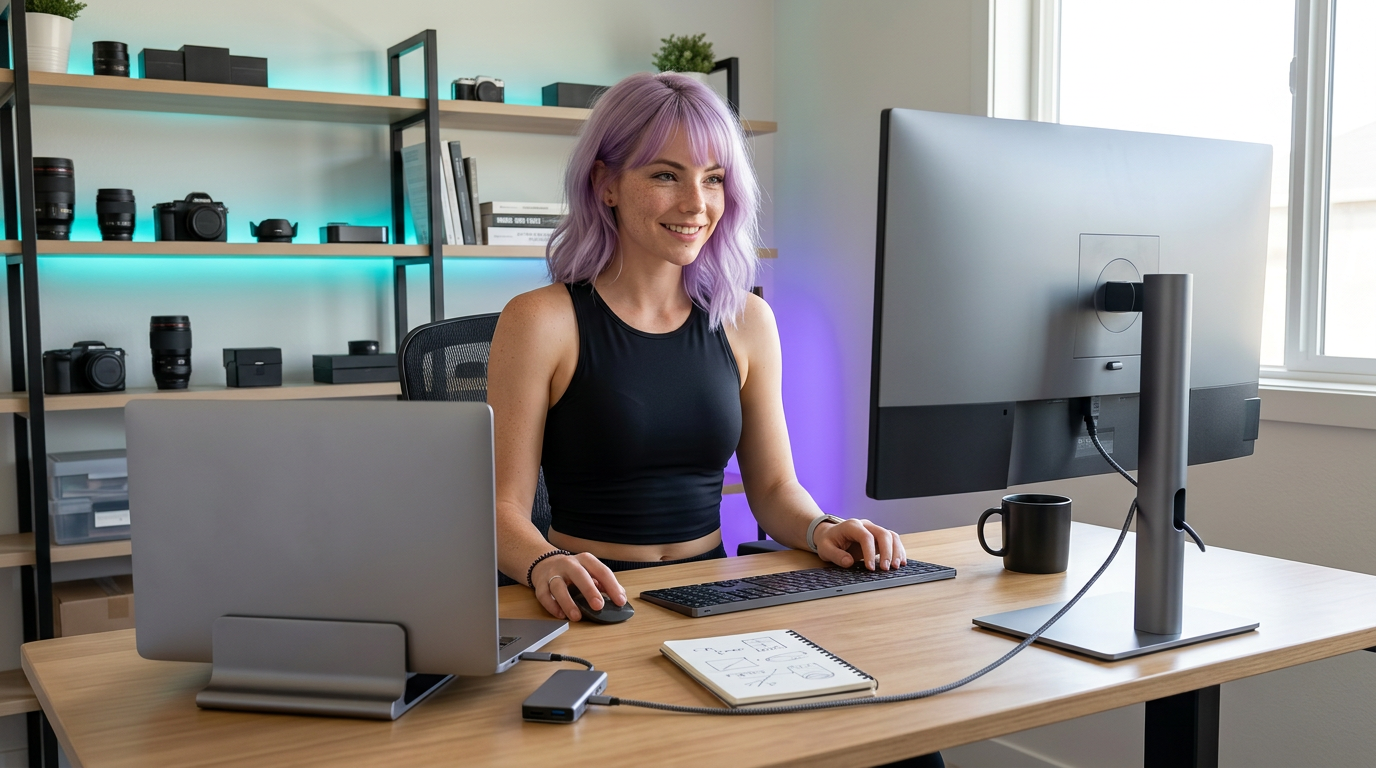
Most desks fail because they are built as collections of accessories, not as a single workflow.
If your setup needs five mini-fixes before every session, it is not a setup. It is a tax.
Why this matters#
A one-piece workflow means your desk behaves the same way every day. That consistency protects attention and makes task-start easier for both deep-work coders and creators.
Practical setup guidance#
1) Pick one hub/dock as your backbone#
Route monitor, power, and peripherals through one primary device. Avoid mixed dongle chains unless you have a strict reason.
2) Choose one display strategy#
Either one large primary display or a stable dual layout. Constant monitor role changes increase mental overhead.
3) Keep one input profile#
Keyboard and mouse positions should not change between work modes. If you need creator macros, map them without changing base layout.
4) Use a 5-minute end-of-day reset#
Reset cables, clear desktop clutter, and queue tomorrow’s first task before you shut down.
Gear recommendations#
- One reliable USB-C hub/dock with enough power headroom for your laptop.
- One monitor arm if your desk depth is limited.
- One cable sleeve + clips kit to keep the dock spine clean.
Common mistakes and quick fixes#
Mistake: stacking adapters on adapters#
Fix: consolidate to one dock and remove orphan dongles.
Mistake: changing monitor purpose every day#
Fix: lock one layout for 2 weeks and only then tune.
Mistake: daily cable drift#
Fix: add anchor clips at two fixed points and label both ends.
