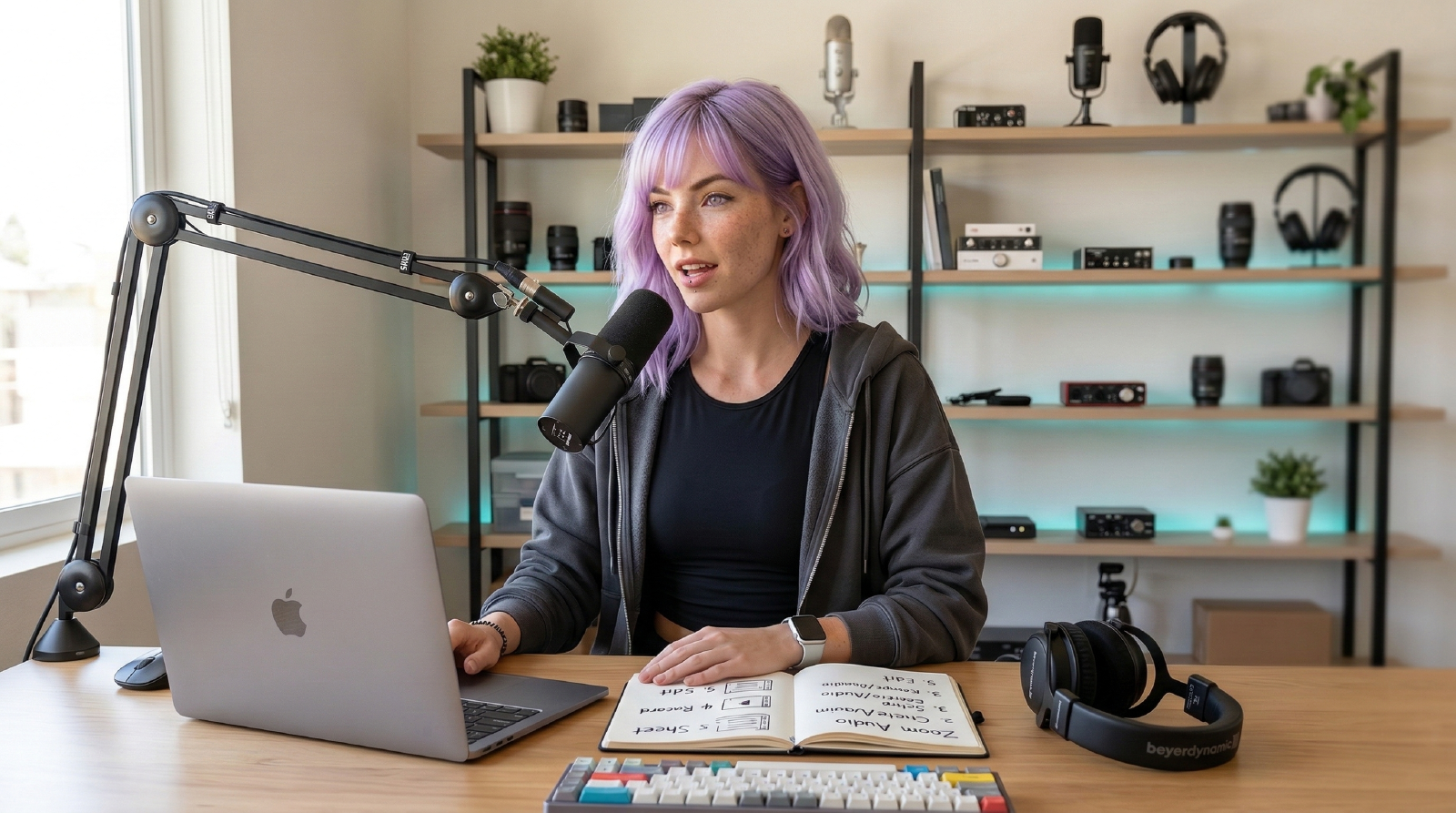
Set it and forget it:
- Mic: Choose the correct interface/mic; disable “Automatically adjust volume.” Set input so you peak around -10dB. Shure MV7 Amazon ↗
- Suppression: Background noise → “Low” if you have a decent mic; “High” for laptop mics.
- Music mode: Enable “Original sound” and “High-fidelity music mode” for instruments or quality voice.
- Echo: If you use speakers, keep “Echo cancellation” on auto; with headphones, turn it off. Sony WH-1000XM5 Amazon ↗
- Test: Record a 20-second local sample (Zoom’s test). If noisy, move the mic closer, then reduce input gain. InnoGear Mic Boom Arm Amazon ↗
Do this once per machine; Zoom remembers per-device settings.
If your real bottleneck is a reflective desk setup or untreated apartment room, pair these app settings with Podcast Setup for a Small Room before you spend more on gear.
Related Guides
- Podcast Setup for a Small Room: Creator Gear, Mic Placement, and Echo Control
Build a podcast setup for a small room with the right mic, placement, desk layout, and renter-safe echo control.
Referenced In Ask Mira
- What Mic Works Best in a Noisy Apartment?
Need clear calls while roommates, HVAC, or street noise rage on? Mira picks a mic stack that blocks the chaos.
Referenced In Comparisons
- Best Microphones for Noisy Home Offices (2026)
A practical microphone shortlist for noisy rooms, focused on voice clarity and repeatable setup for calls and content sessions.
