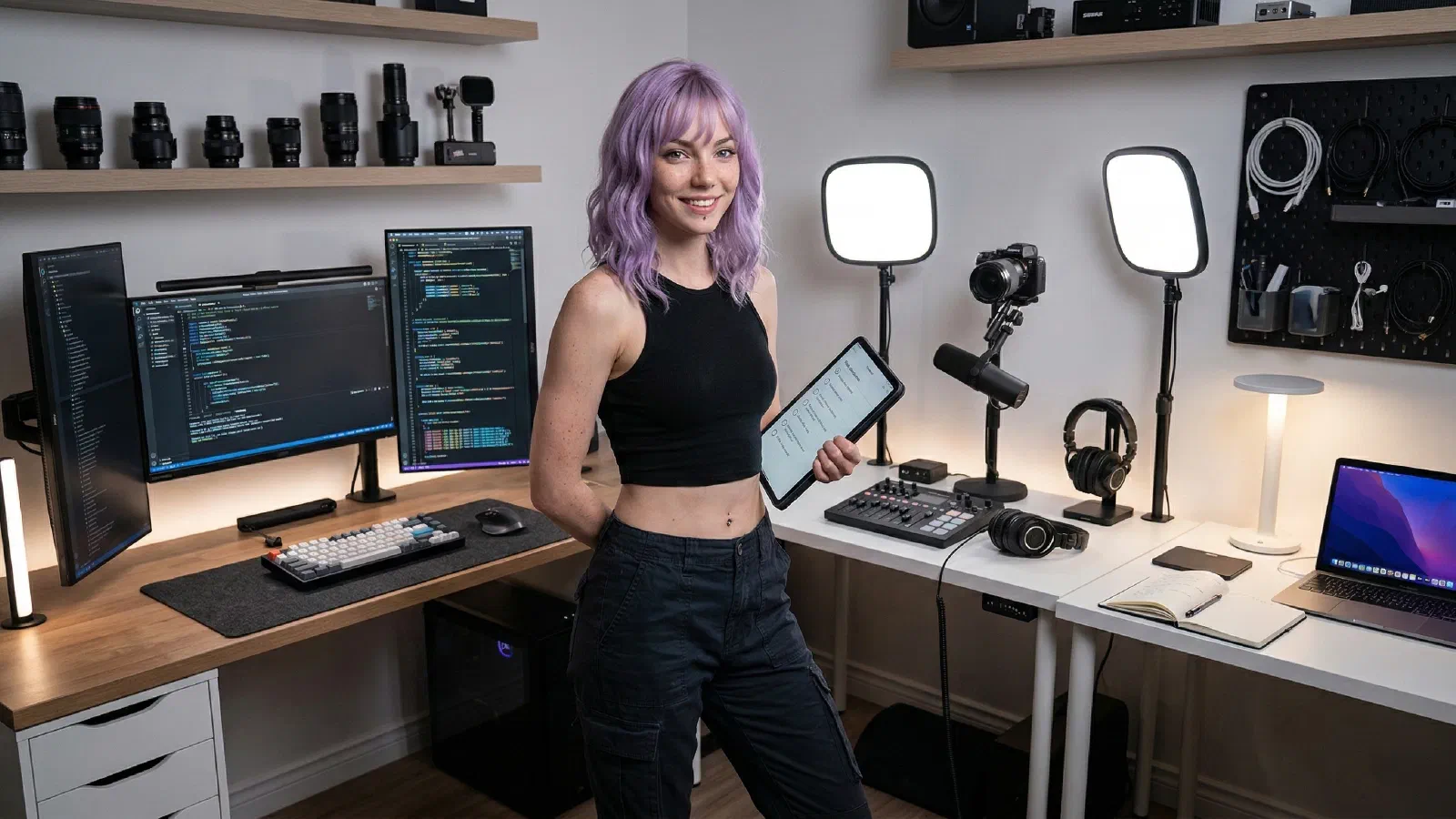
Plug in and hit record without wrestling cables. The Launchpad balances a flattering on-camera look, clear audio, and a simple desk layout that stays out of the frame—perfect for creators growing into bigger productions.
Mira’s Quick Picks#
- Best Webcams for Remote Work and YouTube (2026)
- Best Key Lights for Zoom, Streams, and YouTube (2026)
- Best USB-C Hubs and Docks for MacBook + Windows (2026)
Start with one shortlist, make one decision, then execute the setup.
Why It Works#
Looks clean on camera, sounds clear, and keeps the desk minimal. The lighting and mic give you pro presence, while the camera and stands keep the frame tidy for YouTube or livestreams.
Core Loadout
Optional Add-Ons
Frequently Asked Questions
Can I swap the camera for a webcam to save budget?
Yes. Start with a Brio/Facecam and upgrade later; keep the light and mic for quality.
Is this okay for tiny desks?
Yes. The light clamps, the boom arm is compact, and cable clips keep the frame clean.
Works with both Mac and Windows editing apps?
Yes. All gear is cross-platform; use the right USB-C/USB-A hub if you need more ports.
Related Comparisons
- Best Webcams for Remote Work and YouTube (2026)
A practical webcam shortlist for meetings and creator workflows, with tradeoffs that matter more than headline resolution.
- Best Key Lights for Zoom, Streams, and YouTube (2026)
A practical key-light shortlist for creators and remote workers who need better video without blinding desk setups.
Referenced In Guides
- Podcast Setup for a Small Room: Creator Gear, Mic Placement, and Echo Control
Build a podcast setup for a small room with the right mic, placement, desk layout, and renter-safe echo control.