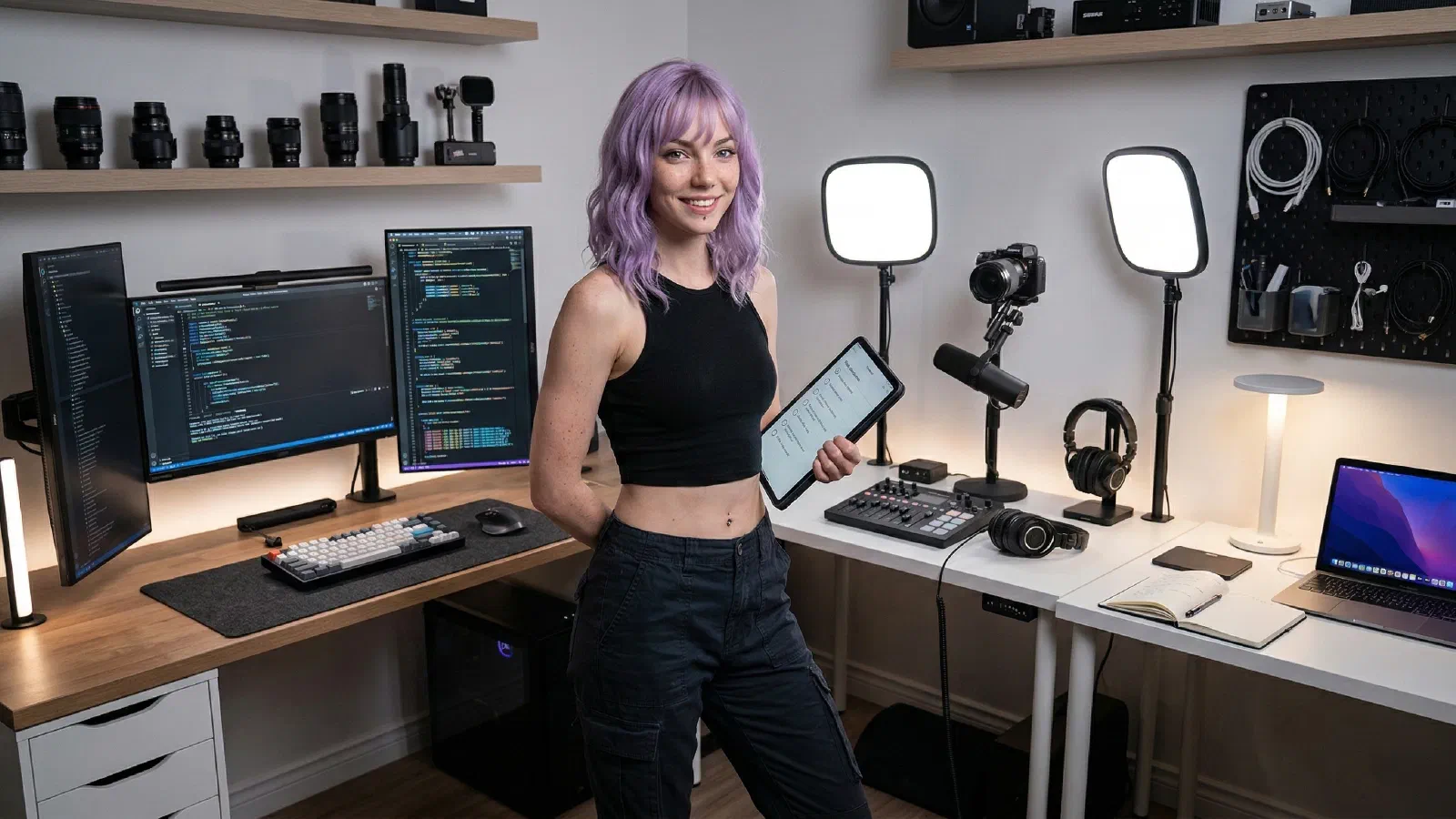
This suite is about accuracy and throughput. The monitor stays calibrated, the drives keep previews snappy, and the lighting/input combo lets you push timelines without fatigue. Clean cables and a raised shelf keep the visual noise out of your frame.
Mira’s Quick Picks#
- Best Monitors for Coding, Editing, and Creator Work (2026)
- Dual Monitors vs Ultrawide: Which Wins for Productivity?
- Best Monitor Arms and Risers for Small Desks (2026)
Start with one shortlist, make one decision, then execute the setup.
Why It Works#
Accurate color, fast storage, and ergonomic positioning. The arm clears the desk, the light avoids screen glare, and the drive keeps previews smooth so you stay in flow.