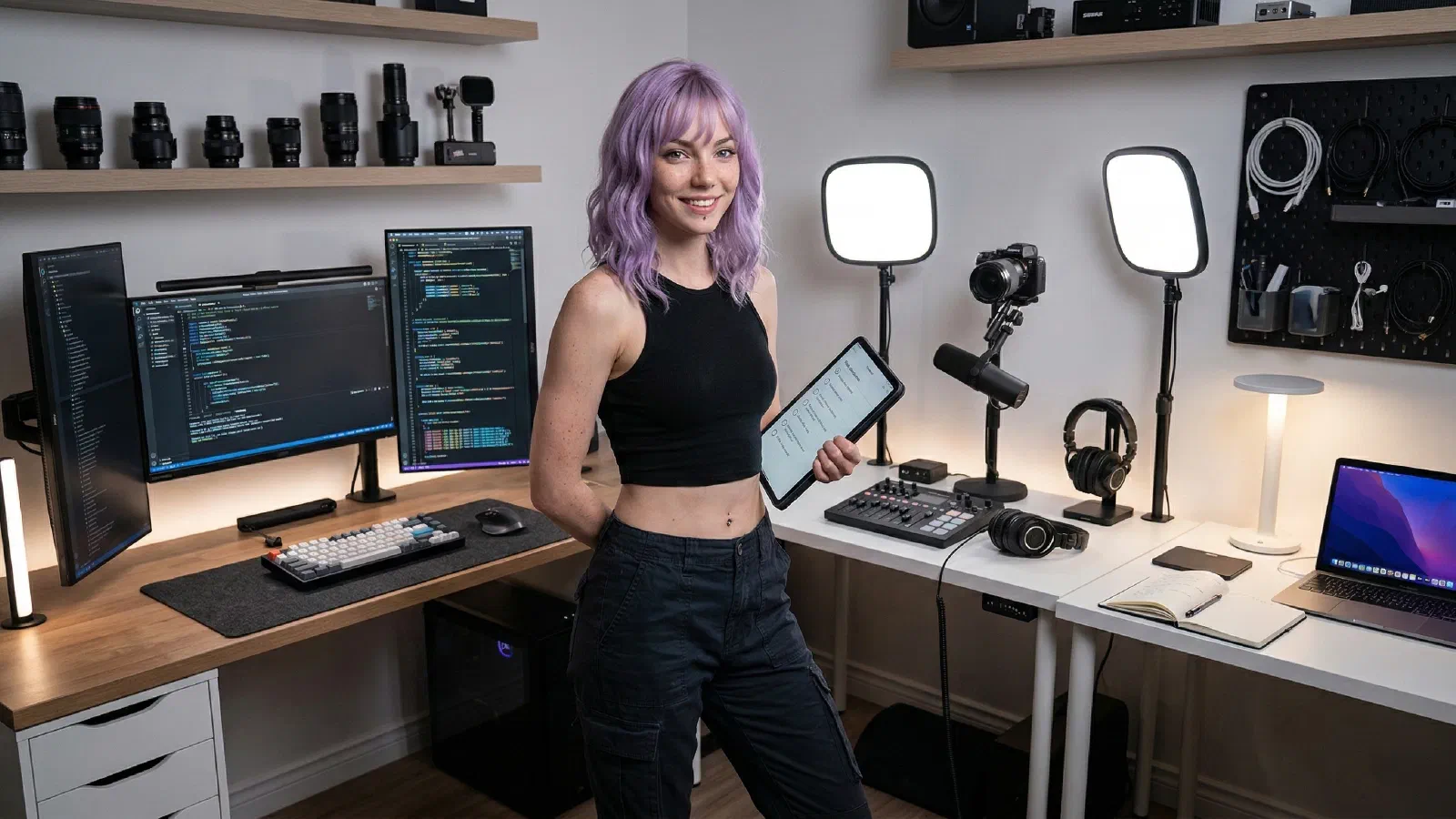
This loadout is built for apartment offices and shared spaces. You get pro-grade presence on calls, a tidy hub-and-power spine, and peripherals that stay silent while you talk. Set it once, then forget about troubleshooting mid-meeting.
Mira’s Quick Picks#
- Best Webcams for Remote Work and YouTube (2026)
- Best Microphones for Noisy Home Offices (2026)
- Best USB-C Hubs and Docks for MacBook + Windows (2026)
Start with one shortlist, make one decision, then execute the setup.
This setup works because each piece solves a specific remote-work problem without asking for a bigger desk. The webcam handles clarity, the light fixes the room before you start tweaking settings, the hub keeps laptop life simple, and the keyboard and headphones stay quiet enough for long call days.
If your desk is in a bedroom, living room, or shared apartment corner, that division matters. You do not need a studio. You need a camera-and-light pair that makes you look steady on screen, a clean cable path, and peripherals that do not turn every meeting into a little chaos.
Why It Works#
The point of this loadout is not to look flashy. It is to look clear, sound calm, and keep the desk easy to live with when the call ends. The Brio gives you a dependable camera baseline, the key light takes pressure off auto exposure, and the hub turns charging, Ethernet, and accessories into one tidy spine instead of a pile of adapters.
That matters even more in a small room. Quiet peripherals reduce distraction, noise-canceling headphones help when the apartment gets loud, and simple cable routing keeps the desk from looking cluttered on camera. Set it once, leave it mostly alone, and you get a setup that feels credible in meetings without turning the room into a production set.
The add-ons are there for edge cases, not because the base loadout is incomplete. A tracking webcam helps if you stand, demo products, or move around during calls. A desk-mounted power strip is useful when outlets are awkward or you are constantly plugging in chargers. Cable sleeves are the last ten percent move when the setup already works and you want the surface to feel calmer.
If you are building this in phases, start with the camera, light, and hub. Add the motion-friendly webcam or extra cable cleanup only after the core setup has proven itself in real meetings.